
Memory Pages
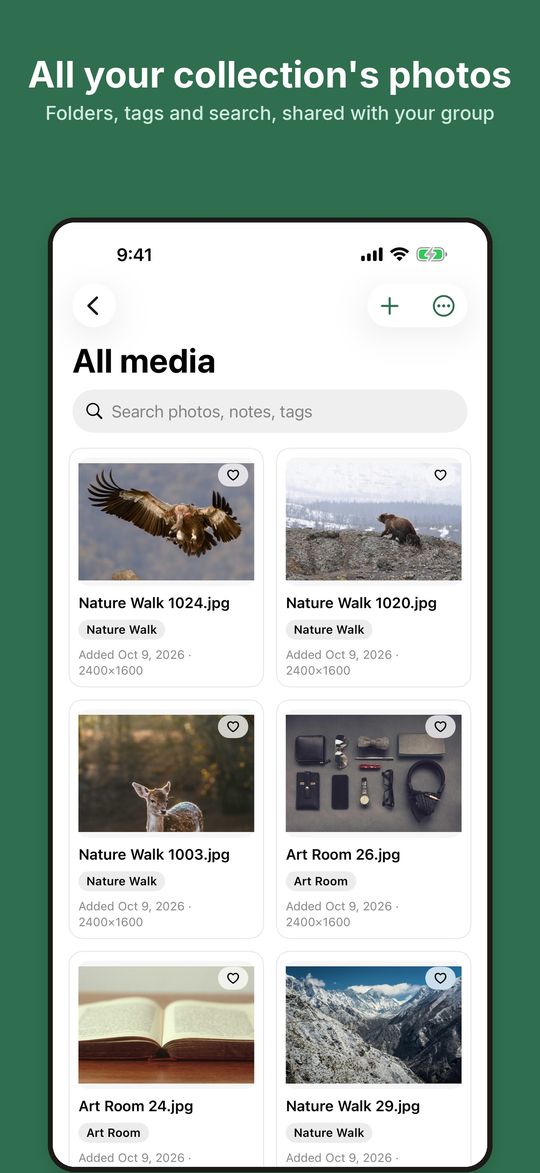
Collect your group's photos in one private place, then make the yearbook, album or flyer together.
For schools, families and clubs. On the web, iPhone, iPad and Android.
Memory Pages is by invitation. If someone has invited you, sign in with the email address the invitation was sent to. The iPhone, iPad and Android apps are coming soon to the App Store and Google Play.
What you can do
Private and invite-only
Each collection belongs to its organizer. Only people the organizer invites and approves can get in, and they see only what they were given: the whole collection, one folder or one album. There are no public links.
Collect and sort
Add photos and videos from your phone or computer, including ZIP archives. Sort them into folders such as "Field Day" or "Room 12", add tags, captions and photographer credits, and search across everything.
Edit without losing the original
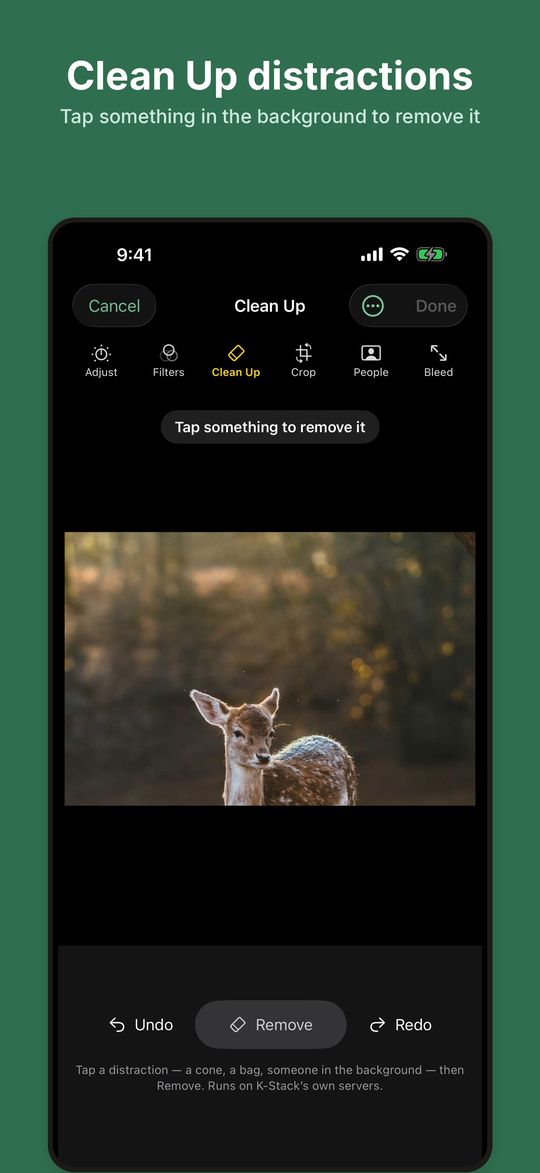
Adjust light and color, crop and straighten. Clean Up removes a distraction you tap on, running on K-Stack's own servers. Every edit keeps the original, with a history you can go back to.
Mark people
Mark where someone is in a photo. The People list shows who is still missing from the photos, and a person can be marked "don't publish" so their photos stay out of print. Marking is done by hand; there is no face recognition.
Albums, yearbooks and flyers
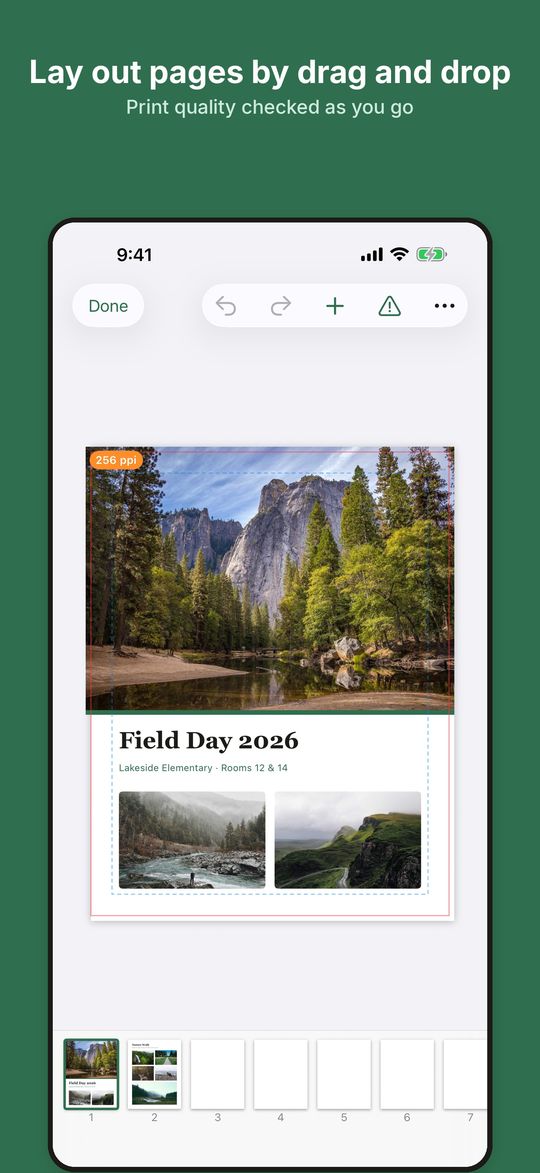
Lay out pages by drag and drop: albums, yearbooks, booklets, flyers, posters and cards. Low-resolution photos and text in the bleed are flagged as you go.
Print-ready export
Export what your printer expects: an image package or print PDFs for Jostens yearbooks, or PDFs for online printers, plus proof PDFs for sign-off.
A shot list per album
Tell everyone which photos are still needed for each album. Members say "I'll get it" and add their photos to the request.
Video calls in the app
Start a video call with the people in your collection. Calls run on K-Stack's servers and are not recorded.
Safety and control
Report a photo or a person to the collection's owner and K-Stack, and block someone. Delete your account at any time from your profile. No ads, no tracking, and your photos are never used to train AI.
Who it's for
Memory Pages is for adults: parents, teachers, school staff and volunteers who put together a group's photos. Collections often hold photos of children, so they stay private to the people the organizer approves, and nothing marked "don't publish" goes to print.